4
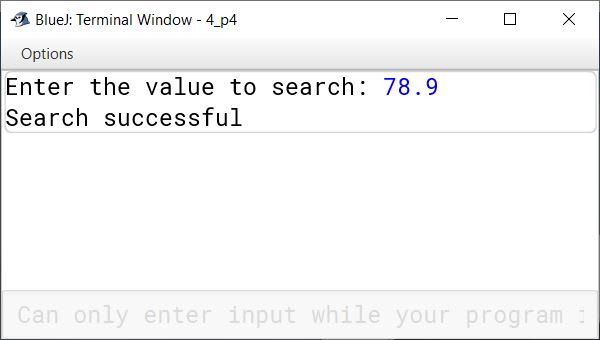
Define a class to search for a value input by the user from the list of values given below. If it is found display the message "Search successful", otherwise display the message "Search element not found" using Binary search technique.
5.6, 11.5, 20.8, 35.4, 43.1, 52.4, 66.6, 78.9, 80.0, 95.5.
Show SolutionHide Solution↓
import java.util.Scanner;

public class KboatBinarySearch
{
    void search(double[] arr, double key) {
        int low = 0;
        int high = arr.length - 1;
        boolean found = false;

        while (low <= high) {
            int mid = (low + high) / 2;

            if (arr[mid] == key) {
                found = true;
                break;
            } else if (arr[mid] < key) {
                low = mid + 1;
            } else {
                high = mid - 1;
            }
        }

        if (found) {
            System.out.println("Search successful");
        } else {
            System.out.println("Search element not found");
        }
    }

    public static void main(String[] args) {
        Scanner in = new Scanner(System.in);

        double[] values = {5.6, 11.5, 20.8, 35.4, 43.1, 52.4, 66.6, 78.9, 80.0, 95.5};

        System.out.print("Enter the value to search: ");
        double key = in.nextDouble();

        KboatBinarySearch obj = new KboatBinarySearch();
        obj.search(values, key);
    }
}